Apple Pay with Amex 2026: The Acceptance Trick
 Christian··5 min read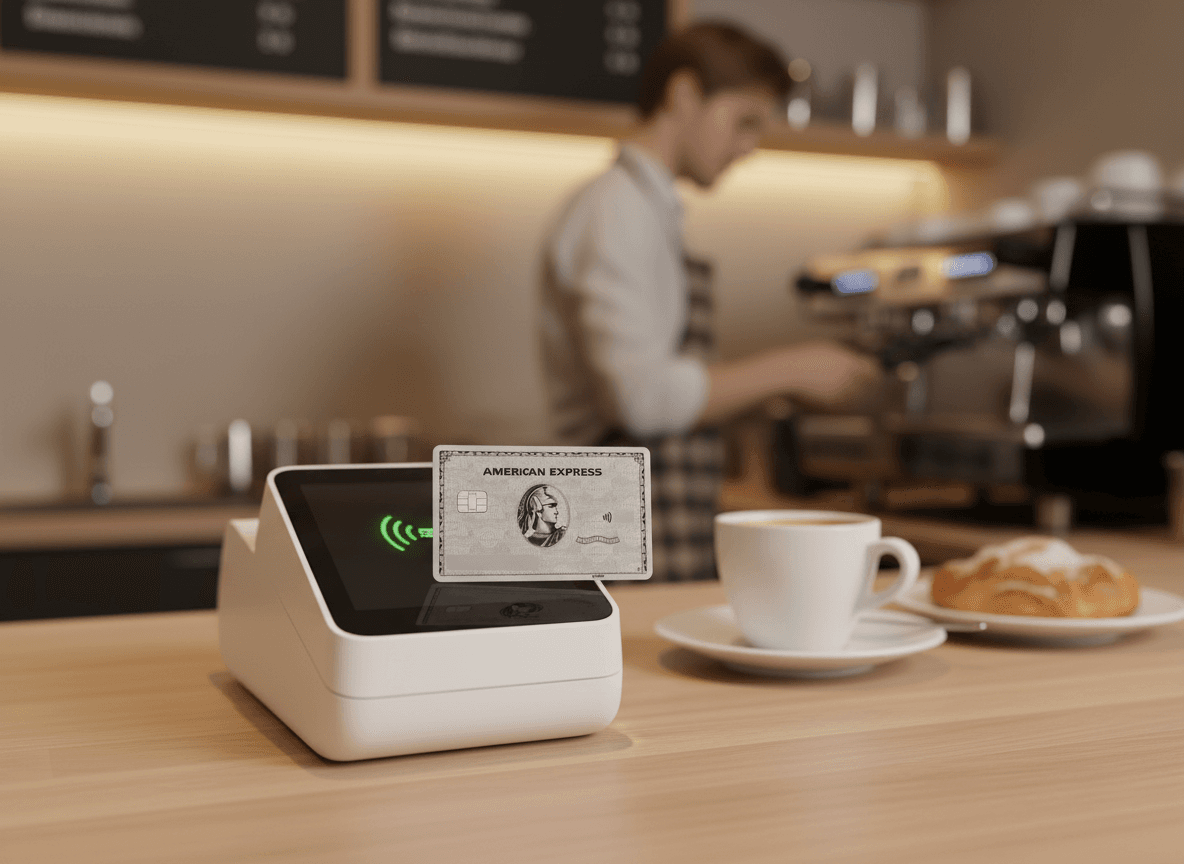
Amex acceptance in Germany has improved, but it's nowhere near the level of Visa or Mastercard. At roughly 30 to 40 percent of the places where I want to pay by card, Amex doesn't work. That's the baseline every Amex cardholder in Germany knows.
What many don't realize: Apple Pay can noticeably improve that rate. Not everywhere, not every time. But often enough to make a real difference. I've been using Apple Pay with my Amex since it launched in Germany and have systematically tested where it works and where it doesn't.
Why Apple Pay Improves Acceptance
The principle is technically simple. When you pay with a physical Amex card, the card sends a signal through the chip or magnetic stripe that clearly identifies itself as American Express. The terminal checks whether the merchant has Amex enabled. If not, the transaction is declined.
With Apple Pay, the payment runs over NFC (Near Field Communication). The iPhone or Apple Watch sends a tokenized signal to the terminal. This signal contains the payment information, but the way it's processed by the terminal differs from a physical card payment.
Here's where it gets interesting: some payment terminals are configured to accept contactless NFC payments across the board, without distinguishing between card networks. The merchant may only have Visa and Mastercard in their contract, but their terminal routes a contactless Amex transaction to the payment processor anyway. And the processor handles it because the technical infrastructure allows it.
The result: you successfully pay with your Amex at a terminal that would have declined the physical Amex card.
Where It Works
I've systematically tested over the past two years where Apple Pay with Amex goes through even though the physical card would be declined. Here are the results.
Supermarkets and Groceries
Edeka is the most interesting case. The Edeka landscape is fragmented because many stores are run by independent merchants who have their own contracts with payment processors. At the register, there's often a sticker showing only Girocard, Visa, and Mastercard. But when you hold your iPhone to the terminal and pay via Apple Pay with Amex, the transaction goes through at a surprising number of stores.
My estimate: at roughly half the Edeka stores I've tested that don't officially accept Amex, paying via Apple Pay works anyway. That's no guarantee, but it's worth a try.
At Rewe, it's less relevant because Rewe already accepts Amex. The physical card works just as well as Apple Pay there.
At Lidl, the trick doesn't work. Their terminals are strictly configured and decline Amex regardless of whether it's physical or contactless via Apple Pay. That's consistent and hasn't changed in any of my tests.
Bakeries
Bakeries are traditionally an Amex-free zone. Most don't accept any credit card at all, and the few that do limit themselves to Visa and Mastercard. But: some of the larger bakery chains that have introduced modern terminals in recent years let contactless Amex payments through via Apple Pay.
I've experienced this at two different chains in Hamburg. There was no Amex sticker on the terminal, but Apple Pay with Amex worked. The amounts were small (under 10 euros), and the cashier didn't notice. Whether this works at every location of these chains, I can't say. But it shows that the line between "accepted" and "not accepted" is more fluid with contactless payments than the terminal stickers suggest.
Vending Machines and Self-Service
Beverage machines, parking ticket machines, laundromats with card payment. Everywhere an NFC-capable terminal is installed, I've had good experiences with Apple Pay and Amex. These machines are often generically configured and accept any contactless payment the terminal can process.
At a parking ticket machine in Munich that listed only Girocard and Visa on its signage, my Amex went through via Apple Pay without issue. Same at the beverage vending machine on a Deutsche Bahn ICE train.
Small Shops with Modern Terminals
SumUp, iZettle (now Zettle by PayPal), and similar mobile terminals that many small businesses and service providers have adopted in recent years typically support Amex by default. Some business owners don't know this and don't display an Amex sticker at the entrance. But the terminal processes the payment anyway, whether physical or via Apple Pay.
Here, Apple Pay helps less as a workaround and more as a matter of course. You hold your iPhone up, the payment goes through, nobody asks questions. The business owner who might have said "we don't take that" at the sight of a physical Amex card doesn't even notice which network is behind Apple Pay.
The Psychological Advantage
And that's perhaps the biggest advantage of Apple Pay with Amex: the invisibility of the card network.
When you put down or hold up a physical Amex card, the person at the register immediately sees the blue-and-white American Express logo. For some, that triggers a reflexive rejection, not because the terminal couldn't process the card, but because the person believes "we don't accept Amex." Sometimes that's true. Sometimes it's not.
With Apple Pay, the person at the register only sees an iPhone or an Apple Watch. No logo, no card network, no discussion. The payment either processes or it doesn't. And if it processes, the matter is settled.
I've experienced it more than once that a cashier looked at my physical Amex and said "American Express won't work, unfortunately," only for Apple Pay to then go through successfully. In those moments, it becomes clear that the rejection is sometimes not technical but human. The person sees the Amex logo and says no, even though the terminal would say yes.
Setup: Which Amex Cards Work
All current Amex cards in Germany work with Apple Pay. That includes the Amex Platinum, the Amex Gold, the Amex Green, the Business Platinum, the Business Gold, the Payback Amex, and the Blue Card. The Centurion Card works as well.
Setup
Setup takes two minutes. Open the Wallet app on your iPhone, tap the plus symbol, select "Credit or Debit Card," and follow the instructions. You can enter the card details manually or scan the card with the camera. Amex typically verifies the card via SMS or through the Amex app.
After that, the card is stored in Apple Pay and you can use it at any NFC-capable terminal. On the Apple Watch, it works the same way; the card syncs from your iPhone.
Setting a Default Card
A detail many overlook: in the Apple Pay settings, you can set which card is used as the default. If you set your Amex as the default card, it's automatically used for every contactless payment without you having to select it manually. That saves time at the register and prevents accidentally paying with the wrong card.
My setup: the Amex Platinum is my default card in Apple Pay. If the payment doesn't go through, I manually switch to the DKB Visa in the Wallet app. That takes three seconds and is more discreet than fumbling through two physical cards in a wallet.
Amex Express Checkout Online
Apple Pay improves Amex usage not just at physical terminals but also online. In Safari on iPhone and Mac, you can use Apple Pay as a payment method in online shops, including with your stored Amex.
Beyond that, Amex offers Express Checkout as its own solution for online payments. At participating shops, you can pay with your Amex in just a few clicks without entering card details every time. The advantage: Amex Express Checkout also works at some online shops that don't offer Amex as an option when entering card details manually.
That's a niche topic, but relevant for heavy online shoppers at international stores. Particularly at US-based shops like Apple.com, Nike.com, or similar sites, Express Checkout works seamlessly and saves time.
Limits and Restrictions
Apple Pay with Amex has some limitations you should know about.
Contactless Payment Limits
In Germany, there's a limit for contactless card payments without PIN that's typically set at 50 euros. With Apple Pay, this limit is generally not applied because biometric authentication (Face ID or Touch ID) is considered equivalent to a PIN. In practice, I've had no issues paying amounts over 500 euros with Apple Pay and Amex.
However, there are occasional terminals that have a contactless cap regardless of the authentication method. If a payment gets declined at a high amount, that could be the reason. In such cases, the physical card with chip and PIN helps.
Offline Transactions
Apple Pay doesn't require an active internet connection for the transaction itself, as communication runs via NFC between the device and terminal. But your iPhone must be functional. A dead battery means no payment. With the Apple Watch that has its own chip, it's slightly different: it can still pay even with a dead iPhone, as long as the Watch itself is charged.
My advice: don't rely exclusively on Apple Pay. Always carry a physical backup card. Technology can fail, batteries can die, and some terminals refuse contactless payments altogether.
Where It Definitely Doesn't Work
There are areas where neither the physical Amex nor Apple Pay with Amex will help. Lidl, Penny, Netto: these discounters have excluded Amex at the network level. No technical trick changes that.
The same goes for government offices, vehicle registration offices, and similar public institutions that only accept debit cards (if they accept cards at all).
And at terminals that are purely debit card systems with no NFC support for credit cards, nothing works either.
The Statement: No Difference
A point that occasionally raises questions: billing through Apple Pay is no different from billing with the physical card. You earn the same Membership Rewards points, the same cashback rates, and the same insurance benefits. Apple Pay is just a payment method, not a separate product.
That means: if you shop with the Amex Platinum via Apple Pay, you get 1 MR point per euro, just like with the physical card. The travel insurance applies, the purchase protection applies, everything is identical.
My Daily Life with Apple Pay and Amex
Since I've been consistently using Apple Pay, my payment behavior has changed. I try every payment first through Apple Pay with Amex. If it goes through, great. If not, I switch to the Visa. In roughly 75 to 80 percent of my transactions, Amex works through Apple Pay. That's significantly better than the 60 to 70 percent I achieve with the physical card.
The 10 to 15 percentage point difference comes exactly from the cases where the terminal lets the contactless Amex payment through even though the physical card would have been declined. That amounts to maybe five to eight additional transactions per month running through Amex instead of Visa. At an average transaction value of 30 to 50 euros, that's 150 to 400 euros more per month going through Amex and earning Membership Rewards points.
Over a year, that's 1,800 to 4,800 euros in additional Amex spending and therefore 1,800 to 4,800 additional MR points. Not a huge amount, but not negligible either.
What You Should Do
If you use an Amex in Germany and haven't added it to Apple Pay (or Google Pay, the principle is the same) yet, you should change that today. Setup takes two minutes, and the benefit is immediately noticeable.
Set your Amex as the default card in Apple Pay. Try every payment with it first. If it doesn't work, switch to the backup card. Don't worry about whether the merchant "officially" accepts Amex or not. Let the terminal decide.
You'll find that Amex acceptance in Germany is better than you thought. Not because acceptance improved overnight, but because you're using the path that opens the most doors. And that path, at least today, is contactless payment through Apple Pay.
It's not a perfect system. There are still places where Amex doesn't work, neither physically nor through Apple Pay. But that share is shrinking. And with Apple Pay as your default, it shrinks a bit more. That alone is reason enough to invest the two minutes for setup.